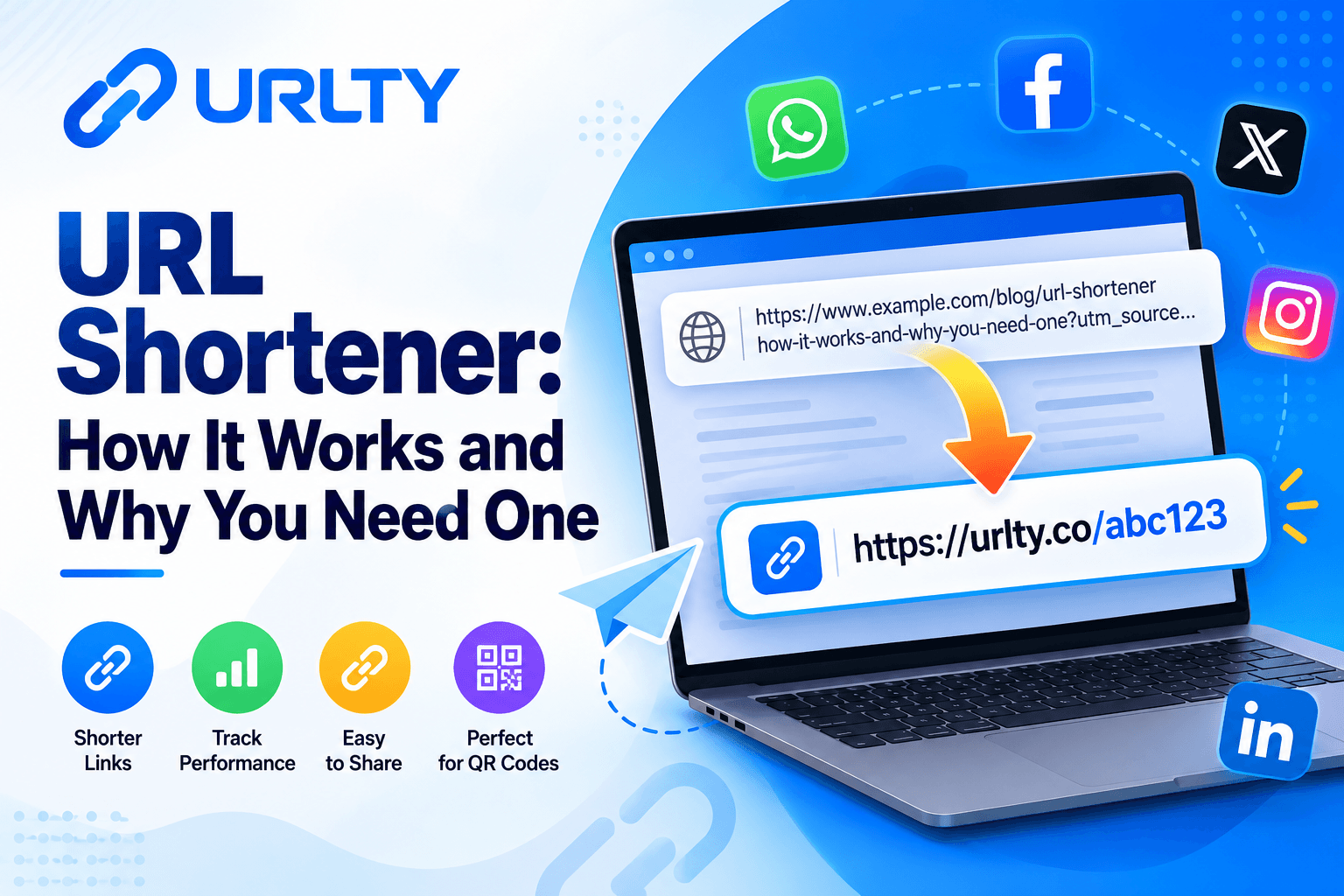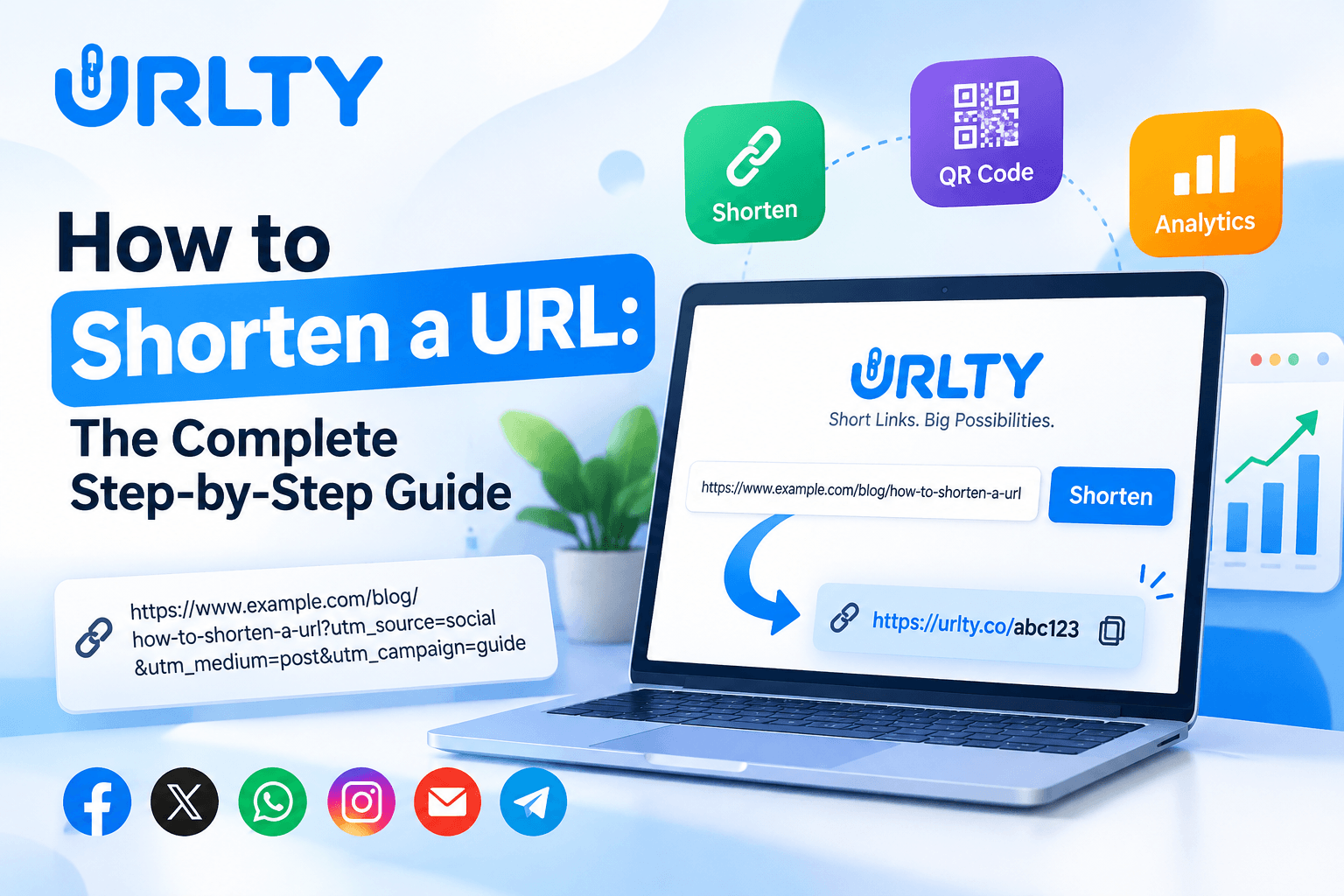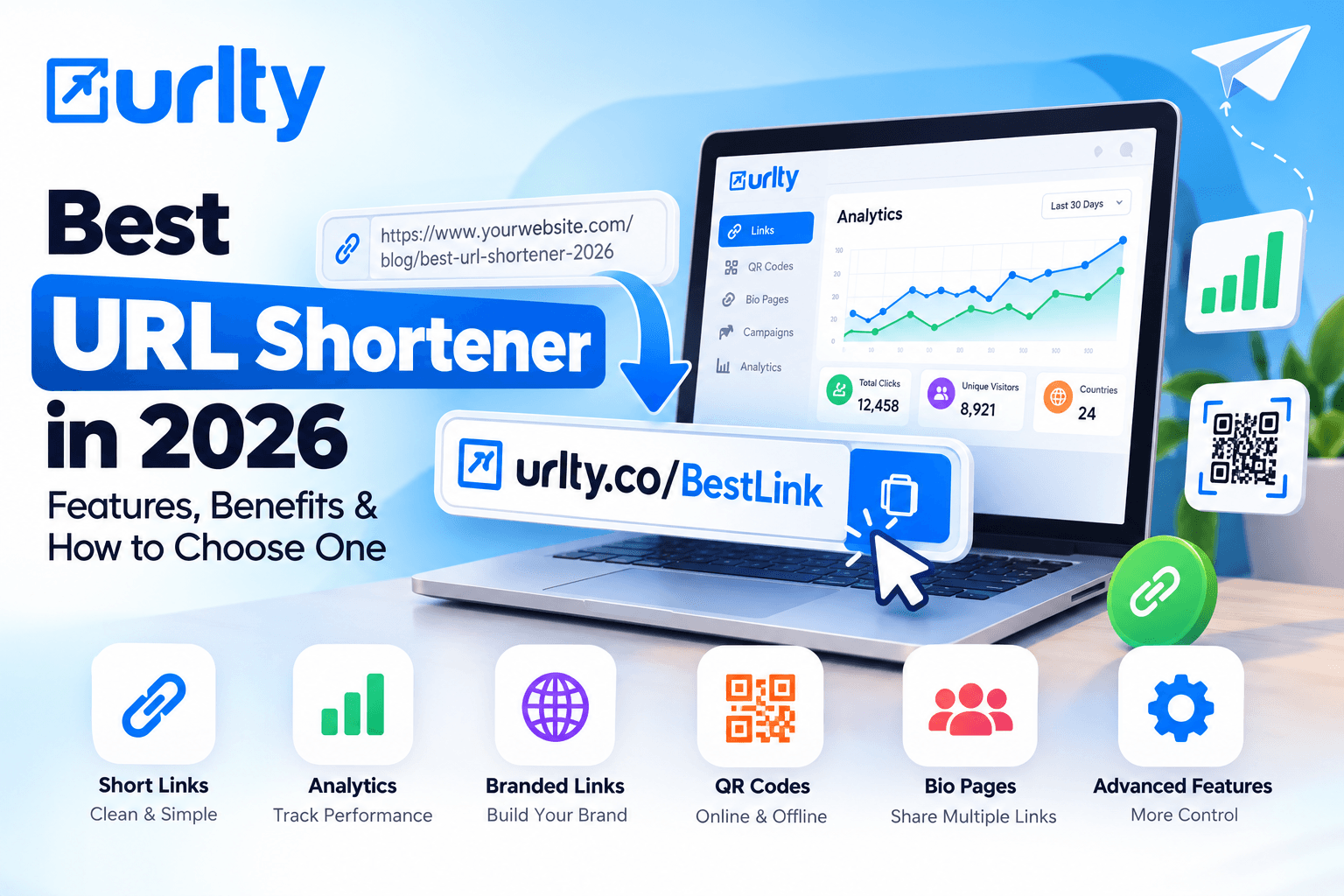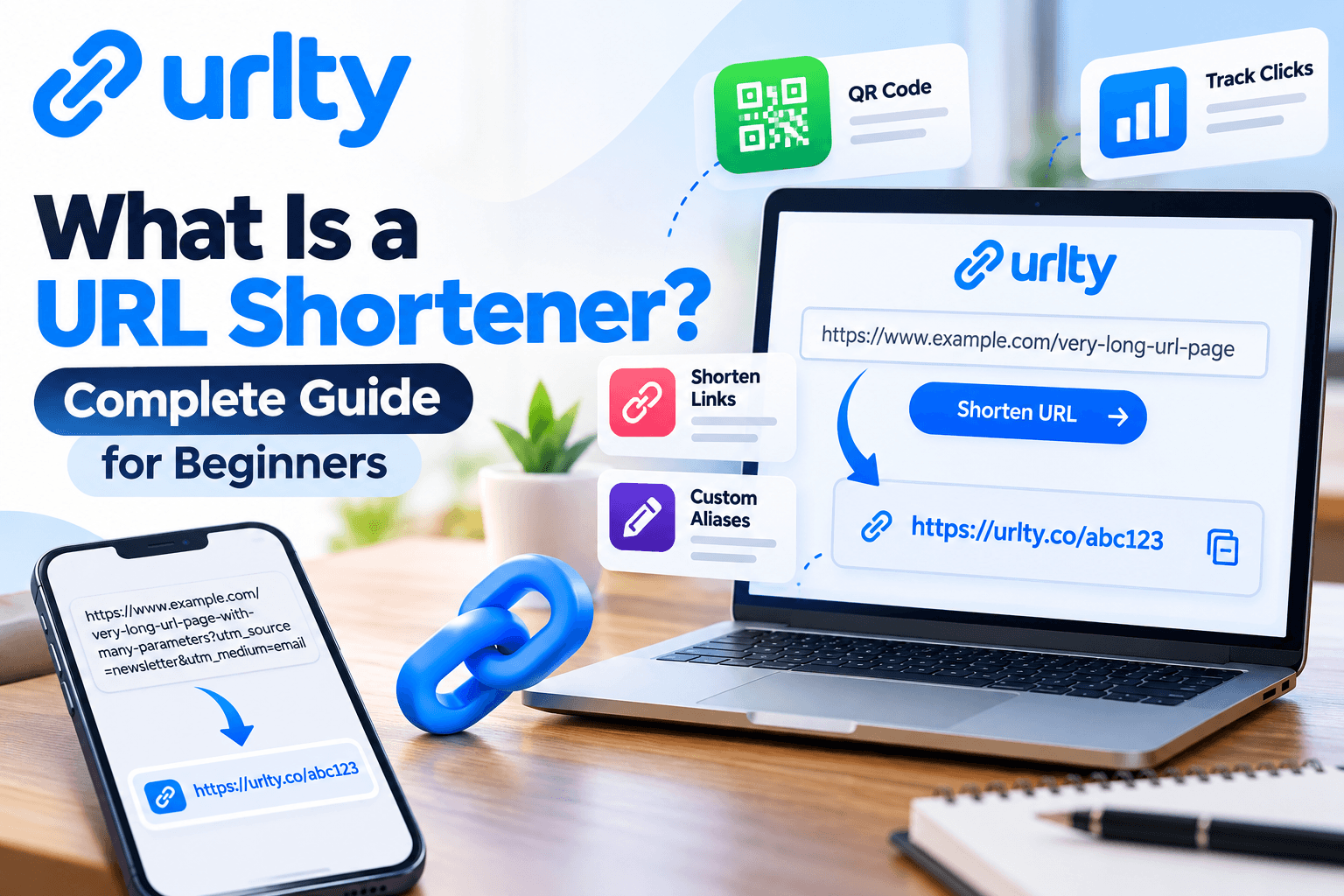

If you have ever copied a long website address and wished it were shorter, cleaner, and easier to share, you have already encountered the problem that a URL shortener is designed to solve. So, what is a URL shortener? In simple terms, a URL shortener is an online tool that takes a long web address and creates a much shorter link that sends visitors to the same destination. For example, a product page, blog article, registration form, online document, or marketing landing page may have a URL containing many folders, tracking parameters, numbers, and symbols. A shortener converts that complicated address into a compact link that is easier to type, copy, remember, print, and post. When someone clicks the shortened link, the shortening service receives the request and redirects the visitor to the original destination. The visitor normally reaches the intended page within moments, so the short link acts as a convenient doorway rather than a replacement for the actual page. This simple idea is useful for ordinary users, small businesses, creators, marketers, teachers, support teams, and anyone who regularly shares links. A short URL can make a message look tidier in an email, social post, SMS, presentation, printed leaflet, or QR campaign.
Modern link-management platforms can also add useful functions such as custom aliases, click statistics, campaign organization, QR codes, expiration settings, and branded domains, depending on the provider and plan. For beginners, however, the most important concept is the redirect: the short address points people toward the longer destination address. If you want to see a practical example, you can explore URLTY URL Shortener & Link Management Platform, where link shortening is presented together with other link-management tools. Short links should not be confused with changing a website's real domain or permanently moving a webpage. The original destination can remain exactly where it is; the shortened address simply provides another route to it. This also means that the reliability of a shortened link depends on both the destination page and the shortening service continuing to work. A responsible user should therefore choose a trustworthy service, verify the destination before sharing, and avoid using shortened links to hide misleading, harmful, or deceptive destinations. It is also wise to keep a record of important original URLs so that you are not dependent on the short version alone.
In this beginner guide, you will learn why URL shorteners matter, how redirects work, how to create and test a short link, where short URLs are most useful, which mistakes to avoid, and how to decide whether shortening a link actually improves the user experience. By the end, the question “what is a URL shortener?” should feel straightforward: it is a practical link-sharing tool that turns a long address into a compact redirect while helping you manage how that destination is presented and, in many cases, measured. One helpful way to think about it is to separate the “address people see” from the “address the browser finally opens.” The short version is designed for sharing, while the destination remains the real location of the content. This distinction also explains why the same short-link system can be useful for a single blog post today and a larger marketing campaign later. You do not need to be a developer to benefit from it; you only need to know where you want visitors to go and why a shorter address makes that journey easier.
Why URL Shorteners Matter for Everyday Users and Businesses
URL shorteners matter because online links are no longer shared only inside web pages. People send links through messaging apps, social networks, email newsletters, customer-support chats, text messages, digital ads, business cards, posters, presentations, classroom materials, invoices, product packaging, and many other channels. A very long URL may still function perfectly, but it can be inconvenient in places where space, appearance, readability, or manual typing matters. Imagine sending a customer a link containing a long product path followed by multiple campaign parameters. The recipient may see a dense line of characters rather than a clear call to action. A short link can make the message easier to scan and can reduce the chance of a URL being broken when copied across systems that wrap or trim long text. Short links can also support campaign organization.
A business may use different short links for an email newsletter, a social post, a printed flyer, and a partner promotion, then compare click activity if its shortening platform provides analytics. That does not automatically tell you why every visitor clicked or whether a sale happened, but it can provide a useful first layer of performance information. Custom aliases can also make links more meaningful. A random short code may be compact, while an alias related to a campaign or resource can be easier for a person to recognize. Branded short domains can add another layer of consistency for organizations that need their shared links to match their identity. At the same time, shortening should be used thoughtfully because a short link hides some or all of the destination from immediate view. Users are more likely to trust links when the surrounding message clearly explains where they lead, who is sending them, and why they should click. Businesses should avoid using shortened links in ways that feel deceptive or that imitate another organization. Privacy also matters. Some shortening services collect click information such as approximate location, device type, browser, referrer, or time of access, so businesses should understand the provider's privacy practices and make sure their own use complies with applicable requirements.
Beginners who need platform-specific guidance can review the URLTY Help Center before relying on advanced tracking or account features. Another reason URL shorteners matter is consistency. When a team shares the same campaign through several channels, managed short links can reduce confusion about which destination should be used. If a provider supports editable destinations, a campaign manager may be able to update where a managed link points without changing the short address, although this capability varies by service and plan. Short URLs are also convenient in offline-to-online journeys, especially when paired with QR codes or memorable aliases. The key benefit is not simply “fewer characters.” The real value is easier distribution, cleaner presentation, measurable link activity where available, and better organization. For a beginner business, that can make link sharing feel more deliberate and professional without requiring technical knowledge about servers, DNS, or web development. The goal should always be clarity: use a shorter link when it genuinely makes the path to useful content simpler for the person receiving it. For small teams, this can reduce accidental inconsistency. Instead of employees copying slightly different versions of a destination URL, the team can agree on one managed short link for a campaign. That is helpful when materials are prepared across social media, support, sales, and offline promotion, because everyone can work from the same approved destination.
How Does a URL Shortener Work?
Understanding the basic technology makes URL shortening much less mysterious. When you create a short link, the shortening service stores a relationship between two pieces of information: the new short code and the original destination URL. Suppose the destination is a long page address for a product guide. The service may generate a compact address ending in a short combination of letters and numbers, or it may let you choose a custom alias. When a visitor enters or clicks that shortened address, the browser first contacts the shortener's server rather than the destination website. The shortener looks up the code, finds the saved destination, and responds with an instruction telling the browser where to go next. This process is normally implemented with an HTTP redirect. According to the MDN Web Docs guide to HTTP redirections, web redirects use HTTP responses—commonly status codes in the 3xx family—together with a Location header that identifies the next URL the browser should load. In practical terms, the visitor clicks one address and the browser is sent to another. Different redirect status codes can communicate different meanings, such as whether a move is intended to be temporary or permanent, so platform operators need to choose redirect behavior appropriately.
A beginner using a hosted URL shortener usually does not need to configure these HTTP details manually, but knowing they exist helps explain why a short URL is not a separate copy of your webpage. It is a redirecting reference to that page. Many modern shorteners add more processing before the redirect happens. For example, the service may record a click, check whether a link has expired, apply device or geographic rules, require a password, display an interstitial page, or select a destination based on campaign settings. These features vary widely and should not be assumed to exist on every platform. Analytics also have limits. A “click” can be affected by automated scanners, repeated visits, bots, privacy systems, and other technical factors, so click counts should be treated as useful indicators rather than perfect measurements of unique human interest. Security is another important part of the process. Because the short address does not immediately reveal the full destination, malicious actors sometimes misuse shorteners to disguise harmful pages. Reputable services therefore use abuse controls, reporting tools, filtering, or account restrictions, and users should never shorten links intended for phishing, malware, spam, impersonation, or other deceptive activity.
From the sender's side, you should open the finished short link yourself and confirm that it reaches the correct secure destination, preferably an HTTPS page you recognize. From the recipient's side, context matters: unexpected short links from unknown senders deserve caution. The simplest mental model is this: a URL shortener is a lookup-and-redirect system. It receives a compact code, matches that code to a stored destination, optionally applies link-management rules, and tells the visitor's browser to continue to the destination. Once you understand that flow, features such as custom aliases, analytics, expiration dates, and QR codes become easier to understand because they are additional controls built around the same redirect mechanism. This lookup process is why a short link can be tiny even when the destination contains hundreds of characters: the full address does not need to appear inside the short code. The code only needs to identify the saved record on the shortener's system. Two visually similar short links can therefore point to different destinations, which is another reason to test and document every important link before distributing it widely.
Step-by-Step Guide: How to Create and Use a Short URL
Creating a short URL is usually simple, but using it well requires a few checks.
Step 1 is to choose the destination you actually want people to visit. Open the page in your browser, confirm that it loads correctly, and copy the full address from the address bar. If the URL includes tracking parameters, decide whether those parameters are necessary before shortening it; removing important campaign tags could affect your analytics, while keeping unnecessary parameters may add clutter to your internal records even though the public short link will hide them.
Step 2 is to open your chosen URL-shortening service and sign in if an account is required for the features you want. Some tools may allow basic shortening without an account, while account-based use can provide saved links, analytics, customization, or management controls.
Step 3 is to paste the original URL into the shortening field. Recheck the beginning of the address, domain name, path, and any important parameters so a typo does not create a polished short link to the wrong page.
Step 4 is to create the shortened URL. If the service offers a custom alias, choose something concise, relevant, easy to read, and appropriate for the audience. Avoid aliases that impersonate another brand or make a destination sound different from what it really is.
Step 5 is to configure optional settings only when you understand their purpose. These might include an expiration date, password, campaign label, custom domain, device targeting, geographic targeting, or other rules. Beginners should start simple rather than enabling every available control.
Step 6 is to test the short link in a normal browser window and, when the campaign matters, on a second device or private browsing window. Confirm that the page opens, HTTPS works, mobile users see a usable page, and any campaign parameters arrive correctly.
Step 7 is to share the link in a context that explains its destination—for example, “View our beginner guide” or “Open the event registration page”—rather than dropping an unexplained short URL into a message.
Step 8 is to monitor performance if analytics are available. Look for useful patterns such as total activity over time or differences between campaign channels, but do not overinterpret a small number of clicks.
Step 9 is to maintain the link. If the destination page is removed, renamed, made private, or redirected elsewhere, test important short links again.
If you want to learn more about using short URLs as part of organized campaigns, the URLTY Smart URL Management Guide provides additional practical information. Finally, keep the original destination saved in your campaign notes or spreadsheet. A short link is convenient for distribution, but the original URL remains the underlying asset. Following these steps prevents common beginner problems: shortening the wrong page, sharing before testing, forgetting what a code points to, or depending on a short URL without keeping a record of the destination. The workflow is simple—copy, shorten, customize if needed, test, share, measure, and maintain—but each step contributes to a safer and more professional result. For business campaigns, perform one final “recipient test.” Ask whether a person seeing the message for the first time will understand what the link is for and whether the call to action matches the page that opens. This catches problems technical testing cannot, such as a working link that leads to a page whose offer, language, or instructions no longer match the promotional message.
Practical Uses, Best Practices, and When Not to Shorten a Link
A URL shortener is most useful when the shorter format solves a communication or management problem. Social media is an example because compact links can keep posts visually cleaner and allow campaign-specific tracking where supported. Email marketing is another use: a short link can be placed behind descriptive anchor text or used in plain-text messages when a raw destination would be excessively long. Customer-support teams may use links for setup guides, troubleshooting pages, account instructions or frequently requested resources provided the links clearly lead to official information. Event organizers can create URLs for registration forms, schedules, feedback surveys, maps or downloadable materials. Educators can share links to lessons, resources, assignments or reference material. Businesses can use them on printed flyers, packaging, signs, brochures or presentations especially when a person may need to type the address. Short links can also complement QR codes: the QR code handles scanning, while a readable short URL can serve as a fallback for people who cannot or do not want to scan. Marketing teams may create short links for different channels so they can compare traffic at a high level and creators may use short links to organize frequently shared destinations. Good practice starts with transparency. The surrounding text should tell people what they are opening.
If you control a branded domain using it consistently can make the sender easier to recognize but branding does not replace the need for a trustworthy destination. Use HTTPS destinations whenever possible keep aliases readable. Avoid words that make exaggerated promises. Test every link before publication and test again after changing a landing page. Keep a record containing the short URL original URL, campaign name, creation date, owner and any expiry rule. This is particularly useful for teams because abandoned short links can otherwise become difficult to audit. Be cautious with sensitive workflows. For banking account recovery, security verification, legal documents or other contexts where recipients need to inspect the destination exposing the official full domain may build more confidence than hiding it behind a generic short link.
Likewise if a platform or ad network has rules about redirects, tracking or destination transparency follow those rules than assuming a shortened link is always accepted. Do not use a shortener to bypass moderation conceal prohibited content mislead visitors or disguise an affiliate, download or login destination. Also remember that link shortening creates another dependency: if the shortening provider is unavailable deleted or blocks the link the short address may stop working when the original page is still online. That is why businesses should keep URLs and consider how important or long-lived each short link will be. In summary short links work best when they improve readability, sharing organization or measurement without reducing trust. If the full URL is already short, recognizable and appropriate, for the channel shortening it may add value. Choose the format that makes the destination easiest for your audience to understand and access safely. Match the lifetime of the link to the lifetime of the content. A temporary event link may only need to work for a campaign while a link printed on packaging or training material may need to remain dependable for years. The the expected lifetime the more important it is to use a stable provider maintain records and schedule checks so users are not sent to outdated content.
Common Mistakes to Avoid and Beginner Checklist
The common URL shortening errors happen because people focus on making the short code and forget about what happens before and after the click. First error is shortening a destination without opening it. A typo, expired page, access restriction or wrong campaign parameter can turn a short link into a frustrating experience. Second error is not testing the short URL. Always click it yourself before sharing because errors can happen when copying, customizing or changing settings. Third error is choosing a name. A word like "invoice," "support," or "official" should only be used when it correctly describes the destination and your connection to it. Fourth error is using short links in messages. Because the destination is hidden people may not want to click. Add context, say who sent it when needed and explain what the user will find. Fifth error is treating click data as business information. Shortener analytics can be helpful. Automated scanners, bots, repeated visitors and privacy tools can affect the numbers. Combine link data with website analytics, conversions or other measures when making decisions.
Sixth error is forgetting who owns the link. In a team note who made each link and which campaign it is part of. Seventh error is setting a time limit without planning what users will see after. Time-based links can be useful. Old emails, posts or printed material may still be around. Eighth error is using one URL as the only record of an important place. Keep the address somewhere safe. Ninth error is not following privacy and rules. If the link management tool collects data or uses tracking features know what is collected and how your campaign explains it. Tenth error is shortening suspicious links when the full official domain would be clearer and safer. A simple beginner checklist can stop most of these issues: first check the original page is right, safe works on phones and is available to the people; second decide if shortening actually helps sharing or measuring; third pick a good company and read the account, privacy and abuse rules; fourth type the exact original URL; fifth use a clear custom name only when it helps; sixth turn on optional targeting, password, expiry or tracking features only if you know how they work; seventh open the short link yourself; eighth check the final domain and page; ninth share the link, with clear explanation; tenth keep both the short and original URLs in your records; eleventh watch major campaigns without thinking every click is a real person; twelfth, check or remove old links when campaigns finish.
For projects that last a time add a regular check—monthly, quarterly or another good time—to find links that go to deleted items, old deals, out of date rules or pages that now go somewhere else. This checklist changes URL shortening from a click into a basic link management process. The extra minute spent checking a link can protect user trust cut down on support questions and make campaign records much easier to handle. Teams can improve the list by adding a naming system. Campaign records can have channel, topic, month and owner in a label even if the public name stays simple. Consistent internal naming makes it easier to search links find duplicates and understand why a link exists months later especially when lots of short URLs build up over time.
FAQ and Final CTA: Start Using Short Links with a Clear Purpose
Frequently asked questions help bring the main ideas together.
Q: What is a URL shortener?
A: It is a service that creates a compact web address that redirects visitors to a longer destination URL.
Q: Does a shortened URL create a new copy of my page?
A: No. In the normal model, the short link points to the existing destination through a redirect; your original page remains hosted where it already lives.
Q: Are short URLs free?
A: Many services offer free or limited options, while advanced functions such as branded domains, larger analytics limits, team controls, or specialized targeting may require a paid plan. Check the provider's current pricing and terms rather than assuming every feature is free.
Q: Can I choose my own short link name?
A: Some platforms allow custom aliases, subject to availability and their rules. A clear, truthful alias is usually better than a confusing or misleading one.
Q: Can I track clicks?
A: Many link-management services provide click analytics, but the exact metrics vary and click counts may include automated activity or repeated visits. Treat them as one data source, not as a complete picture of customer behavior.
Q: Are shortened links safe?
A: The technology itself is a redirect mechanism, but safety depends on the service, sender, and destination. Because a short link can conceal the full destination, recipients should be cautious with unexpected links, and senders should use clear context and trustworthy pages.
Q: Do short links expire?
A: That depends on the provider, account, settings, and individual link. Some can remain active for long periods, while others may be deleted, expire, or stop working under certain conditions.
Q: Will a short URL improve SEO?
A: Do not assume that shortening a link automatically improves search rankings. Use short links mainly for sharing, campaign management, branding, and measurement; handle SEO through strong content, crawlable site structure, appropriate internal linking, page quality, and sound technical practices.
Q: Should I shorten every URL I share?
A: No. If the original address is already short, recognizable, or important for trust—especially an official account or sensitive destination—the full URL may be better.
Q: What should a beginner do first?
A: Choose one legitimate page you often share, create a short link, test it, save both versions, and use it in a context where the shorter format improves readability.
The main lesson is simple: understanding what is a URL shortener is really about understanding redirects, presentation, and link management. A short link can reduce clutter and make campaign distribution easier, but its value comes from responsible use, accurate destinations, testing, clear communication, and ongoing maintenance. If you are ready to try it, start with a real page you control or trust, shorten it using a reputable service, check the result on both desktop and mobile, and share it with a descriptive call to action. Do not chase shorter links simply because they look modern; use them when they make the journey from message to destination easier for the user. That mindset keeps the tool practical, transparent, and useful as your business, content, or online campaigns grow. As your usage grows, review which links deserve to remain active. Keep valuable evergreen links maintained, archive links tied to finished campaigns where appropriate, and update documentation when destinations change. Basic link hygiene prevents confusion later and helps ensure the short URLs you continue to share remain useful, trustworthy, and aligned with what your audience expects.