
If you have ever copied a link from a store, shared document, event page or marketing dashboard you have probably noticed how long a web address can become. Some URLs have words that you can read while others have symbols, numbers and tracking parts that make them hard to remember. They still work,. They can look strange in a social media post, an email, a text message or a printed ad. Learning how to make a URL shorter is a way to make those links easier to handle without changing the page people want to go to. You do not need to be a developer or know website settings to start. You mainly need a working link, a shortening service and a few minutes to look at the result. In this guide we will use URLTY as an example. Explain what happens at each step from copying the original address to checking clicks after sharing it.
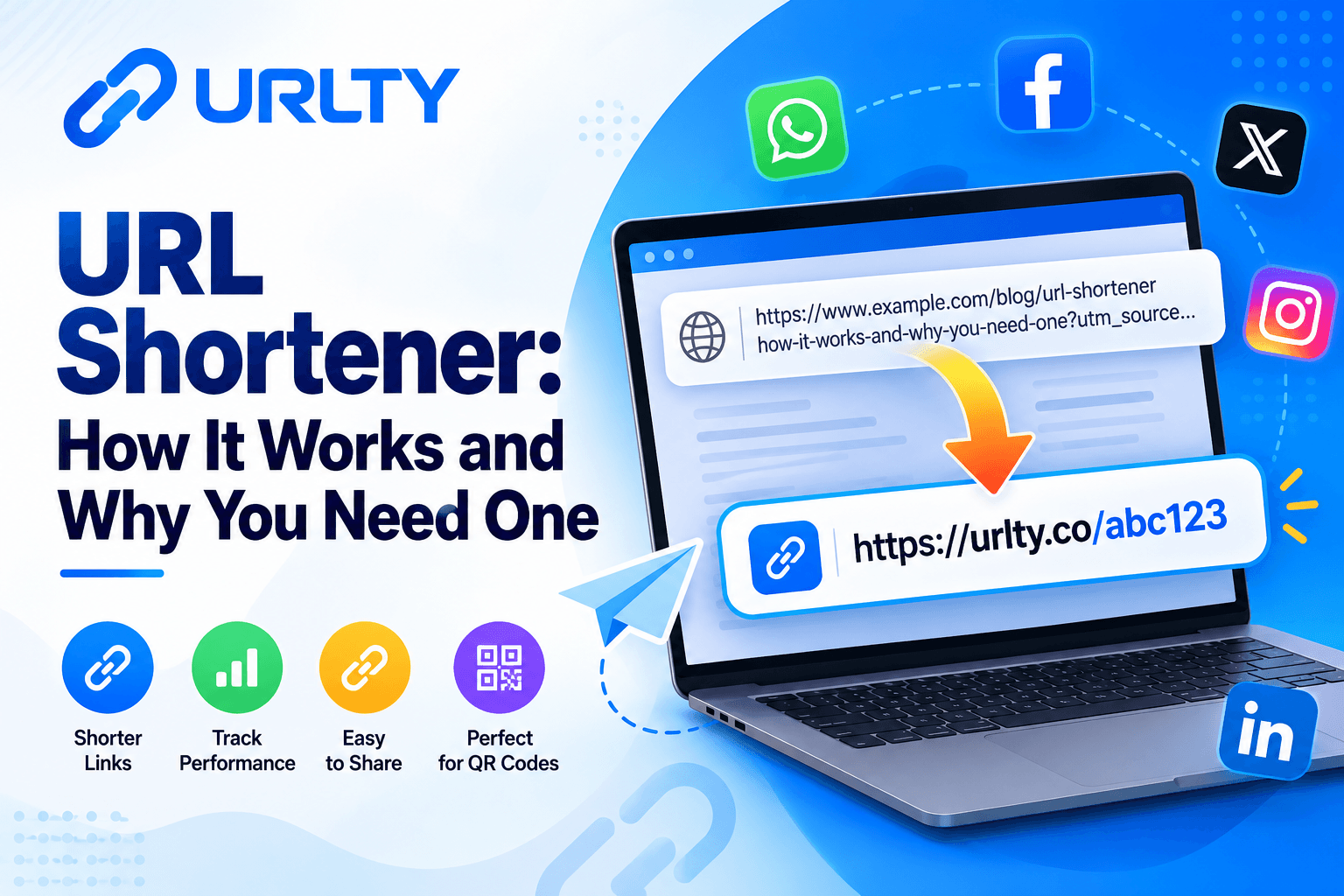
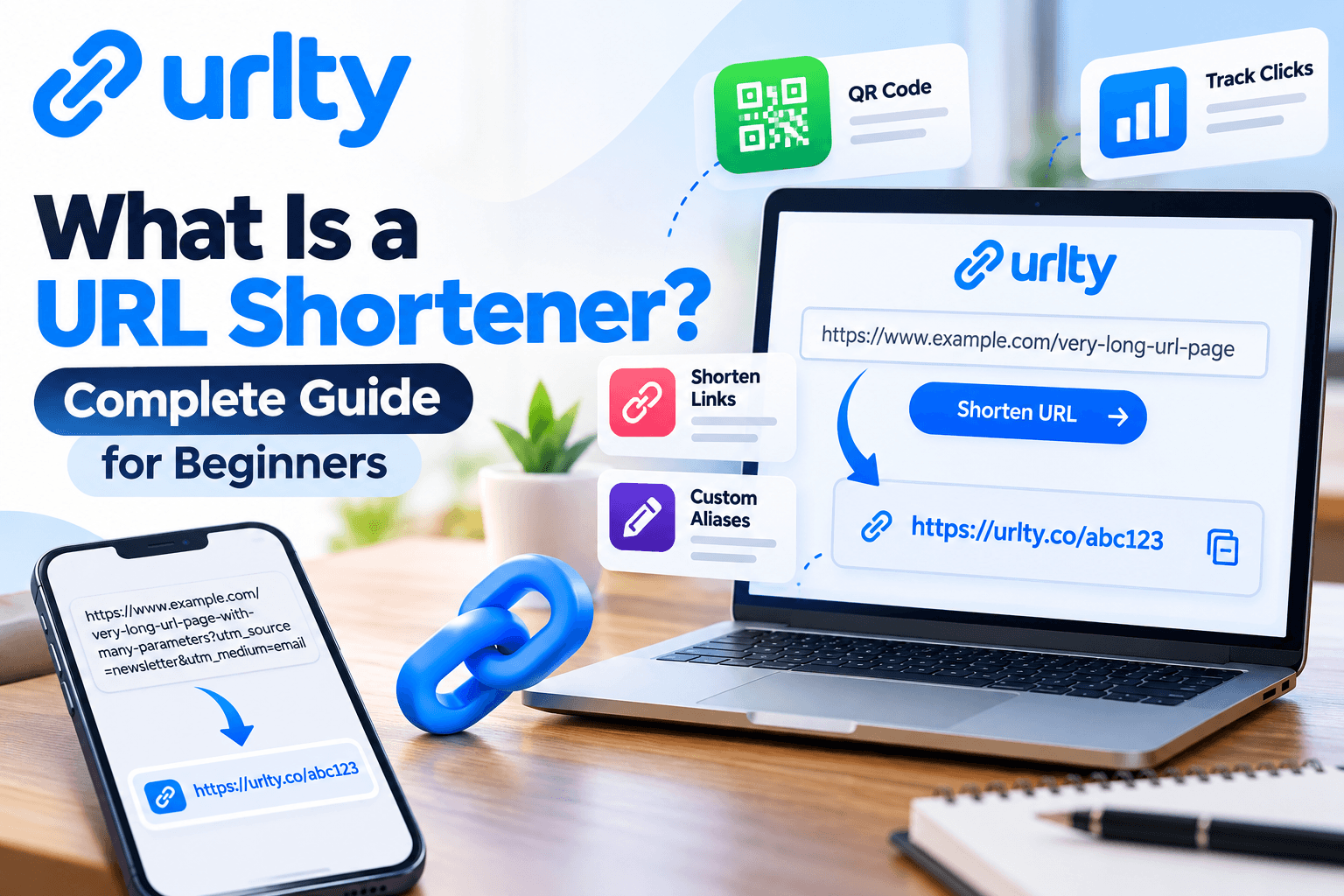
A URL is the address that helps a browser find something online. A URL shortener makes a shorter address that points to that original place. When someone clicks your link the shortening service finds the place connected to the short code and sends the person there. For example a long product link might have a category, product name and several campaign details. A short version could have a domain and a small code that is easy to remember. This example shows the idea; it is not a promise that every short code in a tutorial has already been made. The original page is still where it is and the short address is another way to get there. This is important because shortening a URL does not fix a page move your website to a new address or make your content more valuable by itself.
People often think of links as something for social media but they are helpful in many daily situations. A student might share a reading link with friends. A small business might add a link on a receipt. An event planner might put an address on a poster for people who like to type instead of scan a code. A customer service team might send a link to a help page instead of a long address with technical characters. Short links can also help tell campaign sources apart when you use them properly. However shorter is not always better. If the link hides where it goes or is sent without any explanation people might not want to click it. The best way is to use a message, a trusted service and a link that works. By the end of this article you will know how to make your short link learn about common choices see useful results and avoid mistakes that waste time or make people not trust you. Imagine the URL as a street address and the short link as a saved direction to it. If the business moves or removes the page the direction might not work anymore. That is why checking after making the link is important well, as before. New users should also keep the URLs in a safe file instead of depending only on the short versions. Then you have a reference if a campaign changes or a service is not working anymore.
Why Short URLs Matter for Beginners and Small Businesses
The first benefit of URL shortening is clarity. Imagine putting up a poster for a weekend workshop and having the registration address take up three lines and have characters that people might type wrong. A simpler address is easier to show, to say out loud and to share when talking to someone. The same idea works for an email newsletter or a product announcement. The invitation should be easy to understand. The link should not take attention away from the message. When people ask how to shorten a URL they usually want this improvement, not a complicated technical project. A clean link also takes up space in formats where each character matters. Some platforms handle character counts differently. For text messages a shorter visible address might make things less messy. Whether it changes how much the message costs depends on the service and how it encodes messages. In a presentation a short address might be easier for people to type from a screen. These are things but not sure ways to get more clicks or sales.
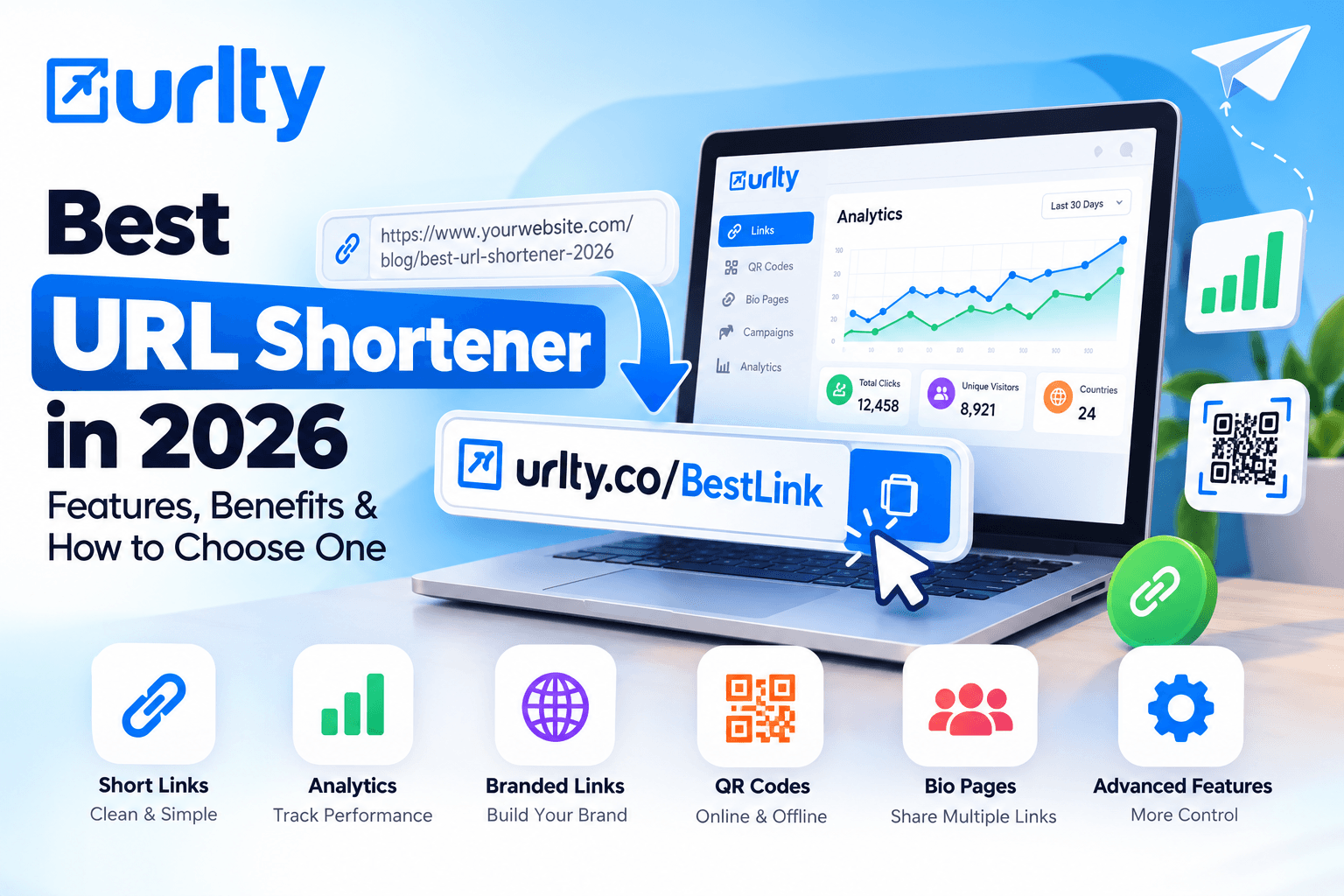
A second benefit is organization. A company may send the landing page through a newsletter, a social media profile and a printed flyer. Making links that have names for each channel can make it easier to manage things later. Of looking through old messages to find which link was used the company can keep a simple record of where it goes what it is for when it was used which channel it came from and who is in charge. Some URL shortening services have dashboards that show how the links are used. URLTY offers URL shortening along with click statistics QR codes, bio link pages and tools for managing links. Its public website also talks about targeting, analytics, branded domains and other marketing features. Availability can depend on the account and the plan so don't think every advanced feature is included with a link. The smart way is to start with the shortening feature learn what information you actually need and only consider extra tools when they help solve a real problem.
A third benefit is consistency across customer touchpoints. A store might use a short code for its return-policy page while a local service provider might send a booking-information page in customer messages. When the words around a link clearly say where it leads people can decide if they want to open it. This is important because bad people sometimes use destinations to trick people and good companies should do the opposite. Keep the words around the link honest avoid making promises and never say one thing while sending people somewhere else. There is also a difference when it comes to search engines. Shortening a URL is not a way to get better search rankings. How well a page shows up in searches depends on things, including the original page the quality of the site how easy it is to use and how redirects are handled. Short links are mainly tools for sharing and tracking not substitutes for URLs on your own website. Used carefully they make everyday sharing easier while letting businesses keep their real website addresses and the customer experience in the middle of the process.
Before choosing features think about the customer journey: someone reads a message opens the link and decides what to do. Each part has to work. If the headline is confusing the best short code won't fix it. If the page is slow or hard to use text in the message won't help. For a beginner the right success measure might be something, like fewer wrong addresses and less time spent looking for links. These improvements are worth paying attention to even if the number of people visiting is small.
Step-by-Step Guide, Part One: Prepare and Generate Your Link
Step 1 — Choose the exact page you want people to reach. Before opening a URL shortener, decide what action visitors should take after clicking. Are they supposed to read a blog post, view a product, register for an event, or open a contact page? Visit that page yourself and confirm that it loads correctly. Check that the product is available, the article is published, and the information matches your promotional message. If the destination requires a login, understand that visitors will still need the appropriate permission; shortening the link will not bypass access requirements. Avoid using private document links unless their sharing settings are intentional. The strongest starting point is a public, working destination that you own or have permission to distribute. This preparation may feel unnecessary for a simple task, but it prevents the most embarrassing outcome: proudly sharing a polished short link that leads to the wrong place.
Step 2 — Copy the complete original URL. Open the destination in your browser, select the address bar, and copy the web address. On most desktop browsers, you can click the address bar and use the usual copy shortcut; on a phone, use the browser's share or copy-link option. Make sure you capture the complete address, especially if it contains meaningful search filters, campaign parameters, or page identifiers. Do not manually delete characters just because they look complicated. A question mark and its following parameters may be necessary for a product selection or for attribution. For example, an illustrative destination such as https://example.com/events/workshop?session=morning could display a different registration choice if you remove session=morning. If you are unsure whether a parameter is necessary, keep the complete link and test it before shortening. Paste it into a temporary note to check that nothing was accidentally cut off during copying.
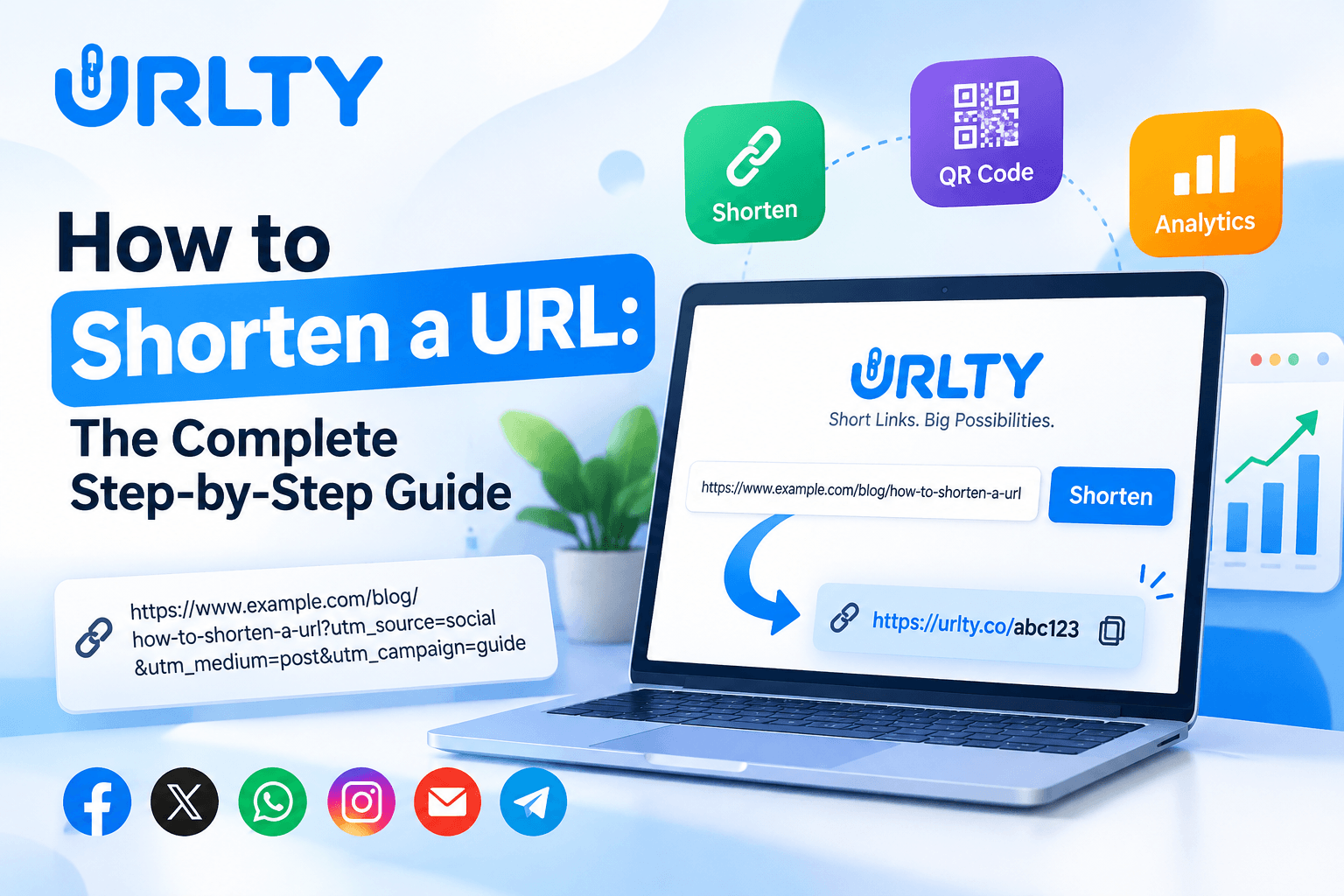
Step 3 — Open URLTY and create the short address. Visit the URLTY URL shortener and find the homepage field labeled for pasting a long URL. Insert the address you just copied, then select the Shorten button. The homepage publicly shows this direct link-creation flow. Depending on the options you want, you may also see an invitation to get started with an account for additional customization. When the service returns a new link, copy it carefully and save it alongside your original address. If the platform rejects the input, first confirm that the destination includes a valid web address and does not contain a copy-and-paste mistake. Do not repeatedly submit an unsafe, restricted, or misleading destination. At this stage, you have completed the essential technical process of how to shorten a URL: you supplied a valid destination, asked a shortening service to create a compact address, and received another link that should take visitors to the original page. The next steps turn that working shortcut into a link you can confidently publish.
For a first attempt, use a public article rather than a confidential file. This keeps the test simple and makes it easier to judge whether the redirect behaves correctly. If the service displays a preview, inspect the suggested destination carefully before you copy anything. When colleagues are involved, tell them which original link you used so they can independently confirm the result. A repeatable workflow is valuable because it helps different people produce consistent links without guessing at settings or accidentally publishing obsolete destinations.
Step 4 — Decide whether the link needs a custom alias. Many shortening tools can assign a random code automatically; some accounts also allow you to choose a readable ending such as summer-guide or event-info. URLTY documents custom aliases in its link-management help information, but the controls available to you may depend on your plan. If customization is available, choose a short name connected to the destination. Prefer ordinary words over confusing strings, and avoid private information such as customer names, order details, or account numbers. A memorable alias should help readers understand the subject, not conceal the real purpose of a link. If a desired alias is already taken, choose another appropriate version rather than assuming it can be reserved. For personal sharing, the default generated code may be perfectly sufficient. For a repeated business campaign, a clear alias can help colleagues recognize the correct link in a shared workspace.
Step 5 — Test your link before publishing. Open the new address in a separate browser tab, preferably in a private window where you are not automatically logged into every service. Confirm that the redirect lands on the intended page and that the page content, language, forms, and mobile layout appear as expected. Test on a phone when mobile visitors are an important part of your audience. If a link opens the correct website but the wrong product variation, the original URL may be missing a necessary parameter. If it opens a login page, check whether that is expected. You should also test any QR code generated from the short address using more than one phone or scanning app when practical. One successful desktop click is useful, but it does not prove the full customer journey works across devices.
Step 6 — Share the link with clear context. Put the address where your audience already expects helpful information, such as a relevant email, authorized customer message, website button, profile, or event flyer. Explain where it leads with a sentence like “View the workshop schedule” rather than a vague instruction to click immediately. Follow platform rules and contact preferences; a short link does not give permission to send unsolicited promotional messages.
Step 7 — Review performance and maintain the destination. If analytics are included in your account, monitor useful indicators such as clicks, approximate referral sources, and devices while respecting privacy. Compare visits with meaningful results on the destination site, because a click is not automatically a sale, registration, or satisfied customer. Keep a basic log of when and where links were shared, and periodically verify that important destinations still work. URLTY's link-management help center covers subjects including link creation, editing, analytics, expiration, and custom domains; check the current guidance for your plan before changing live campaign links. This final review is what separates a one-time shortcut from a dependable process a business can repeat.
Review your first campaign a week after publication. Open the short link, confirm the offer is still accurate, and check whether the accompanying message remains appropriate. Record what happened in ordinary language: where the link appeared, how many visitors it seems to have reached, and whether it supported your intended outcome. Do not overinterpret a handful of clicks. If the campaign ends, update the page or link only in ways the platform allows, and avoid silently sending users to an unrelated promotion.
Practical Business Uses: Campaigns, QR Codes, and Tracking
Once you understand how to shorten a URL, the next question is where the shorter address creates genuine value. For a local retailer, it might be a product-information link on a printed receipt. For a service business, it could be a booking-information page included in appointment reminders. For a content creator, it may be a guide linked from a profile description. For an event organizer, it could connect printed signage to an online schedule that changes as the event approaches. In each case, the short link is a path to something useful, not the main attraction. Write the surrounding message first, identify what the visitor needs, and choose a destination that answers that need immediately. Where a platform automatically previews links, check how the destination title and image appear. A short address can improve visual neatness, but an accurate description and a relevant landing page do more to establish genuine confidence than a clever code alone.
Campaign measurement becomes more helpful when you distinguish the places where a link appears. Suppose you promote one free webinar through an email newsletter and a social post. You could create separate short links for each channel and record which was used where. If your website uses Google Analytics, another option is to add standard campaign parameters to the destination URL before shortening it. The commonly used parameters are utm_source, utm_medium, and utm_campaign; consistent naming helps keep reports understandable. For example, your newsletter destination could use utm_source=newsletter, utm_medium=email, and utm_campaign=webinar_october. After building and testing that complete destination, shorten it in the usual way. Google's official guide to campaign URLs and UTM parameters explains how tagged links can identify referral campaigns in Analytics. UTM tags do not create analytics by themselves: your destination site must have suitable analytics configured, and redirects must preserve the necessary parameters. Also avoid inserting names, email addresses, or other personal data into tracking tags.
QR codes are another useful extension. A QR code lets someone scan a printed object and open a website without typing a web address; a short URL can also be printed underneath as an alternative. URLTY describes QR code creation and tracking among its offerings, although available designs and limits may differ by plan. For a café menu, an exhibition sign, or a workshop handout, test the code at the actual printed size, under realistic lighting, and from a comfortable distance. Do not place essential information only behind a scan when visitors may lack a suitable device or internet connection. Similarly, a bio link page may be useful when one social profile needs to point toward several destinations, but it is a different tool from a single short link. If you need a broader explanation of clean links, tracking, and marketing considerations, read URLTY's guide to URL shortening and best practices. Start with one meaningful use case and expand only when you can explain what each additional link helps you learn.
A small team needs no expensive system. Agree on naming conventions, public-link approval, and a shared log without personal customer data. Before printing thousands of brochures, test the exact short address and QR code on a sample copy. Before sending a newsletter, open the link from a test email rather than trusting the editor preview. These small checks are inexpensive and usually reveal ordinary mistakes while they are still easy to correct.
Common Mistakes to Avoid and a Simple Publishing Checklist
The common mistake is to shorten a link before checking where it goes. A short link can look good. It may lead people to a missing page an outdated offer, an expired event or an unintended account screen. Always open the destination page before you shorten it and click the generated link only after you have confirmed the destination. The second mistake is to send an address without explaining what it is for. Because the final destination is hidden recipients can rightfully ask whether the link is safe. Provide a description of the short link especially when the topic involves payments, accounts or personal information. The third mistake is to believe that a shorter URL will automatically achieve search rankings better conversion rates or more clicks. Those outcomes depend on how relevant the audience's where the link is placed how good the landing page is and many other factors. Treat a link as a usability tool and measure the results instead of relying on promises. The fourth mistake is to use confusing aliases. If you can customize the alias choose a code that's recognizable rather than a misleading claim or a string that colleagues cannot distinguish from other campaigns.
Another group of mistakes appears after a campaign starts. Teams sometimes create links that point to the same destination without explaining why they exist. Weeks later nobody remembers which flyer or email used a short link. Prevent this by keeping a spreadsheet that lists the short link, the original destination, the campaign, the channel, the creation date the responsible person and the review date. Do not put information into that spreadsheet unless the storage location is approved and the access is restricted appropriately. Businesses also forget that link‑shortening accounts can have plan limits and that certain advanced capabilities may require subscriptions. Review the features before you promise customers an editable short link, a branded domain, a long retention period or advanced reporting. A different mistake is to use a QR code without testing its real‑world size. If the code is distorted, poorly printed or displayed in a location a short link cannot fix the experience. Finally avoid treating raw click counts as business intelligence. Automated requests, repeat visits, privacy settings and other measurement limitations can make click data from actual customer actions.
Use the following pre‑publishing checklist as a mental routine: Is the page public and correct for the intended audience? Does it load on desktop and mobile? Have you copied every required part of the destination URL? Does the new short link redirect accurately? If you used a custom alias is it clear, appropriate and free of information? Does the surrounding message explain what the visitor will find? Have you followed the communication rules of the channel where you plan to post? Are campaign parameters consistent if tracking is needed? Have you tested printed QR codes, where ? Is someone responsible for updating the destination or retiring the link when its purpose ends? You do not need software to answer these questions. Checking them before a public launch can prevent confusion protect your audiences trust and make campaign reviews more useful. The essential lesson is simple: a short link becomes professional when it is accurate, understandable tested and maintained.
For campaigns schedule reviews. Websites change products sell out policies change and content disappears. An old short link may keep circulating long after the original promotion ends. Clear ownership and periodic checks make these short links easier to maintain. When a destination is no longer relevant communicate the change honestly than redirecting visitors to a surprise page. Consistency is more valuable, than a shorter code.
Frequently Asked Questions and Final Thoughts
Is shortening a URL free?
Some platforms offer a free level for basic shortening, while higher usage or additional tools may require a paid plan. URLTY publicly lists a free plan as well as paid options, but features and limits can change, so consult the current account information before planning a large campaign.
Do I need coding skills?
No. The basic process involves copying a link, pasting it into a shortening field, creating the new address, and testing it.
Can I shorten an already short URL?
Technically, a shortening tool may accept another redirecting link, but chaining services adds complexity and extra points of failure. Whenever possible, shorten the final destination directly.
Will the original URL stop working?
No. Creating a short address does not remove the original page; both may remain usable as long as their respective services and destination stay available.
Can I change the destination afterward?
Some platforms support editing particular link details, but available controls depend on the account and settings. Verify whether your specific link is editable before printing it permanently.
Can I use short links in email, SMS, and social media?
Often yes, provided the content and distribution follow the rules of the relevant platform. Do not use shortening to disguise misleading pages, bypass moderation, or send messages to people who have not agreed to receive them.
Are short URLs safe?
A reputable service and HTTPS are positive signs, but the safety of a destination must still be evaluated. Readers should be able to understand why a link was shared and should remain cautious about unexpected requests for sensitive information.
Do short links improve SEO?
Not by themselves. They may help with distribution and consistent campaign measurement, but strong website content and a sound technical setup are still necessary.
How can I see whether people clicked my link?
Check the analytics available in your shortening account, noting that reporting capabilities and retention can vary. For campaign attribution on a website you control, consider properly configured web analytics and consistent UTM parameters.
What if my short URL stops working?
First test the original destination; then inspect the short-link settings, account status, expiration rules, or provider notices. If the issue persists, use the provider's documented support route and replace the public link where necessary.
What should beginners try first?
Choose one useful page, such as a published article or publicly accessible event description, and create a single short link for a specific audience. Give it a clear accompanying sentence, test it on two devices, and record where you shared it. After a few days, review any available traffic information and ask whether visitors reached the content they expected. That exercise teaches more than generating dozens of unexplained links.
Final thoughts and call to action
Knowing how to shorten a URL is a small skill with practical benefits for everyday communication and business promotion. It makes unwieldy addresses easier to present, supports more organized sharing, and can complement responsible measurement. It does not replace accurate information, permission-based communication, or a useful landing page. Start with a working destination, create the shorter version through URLTY, test the redirect, and share it with a clear purpose. When that routine becomes familiar, explore aliases, QR codes, and analytics only as your needs grow. The most effective short link is the one that reliably helps the right person reach the right page.