
Every day, people share website addresses in messages, social posts, emails, advertisements, presentations, invoices, and printed materials. Some addresses are easy to remember, such as the homepage of a business. Others are long strings containing product categories, campaign parameters, search filters, and characters that make little sense outside a browser. Imagine sending a customer a product page that stretches across three lines of a message. The customer might still open it, but the address can appear cluttered, difficult to copy, and awkward to include in a poster. This challenge explains why a URL shortener has become a useful tool for individuals, creators, and businesses. It transforms a lengthy destination address into a compact link that is easier to present and share. The short link acts as an entry point; it does not replace the content on the destination website. A customer who opens it should arrive at the page you intended, whether that is a product description, an event registration form, a customer support guide, or a downloadable resource.
For beginners, the important idea is simple: shortening changes how an address looks when it is shared, not the purpose of the page behind it. A reliable process also makes link distribution more organized. Instead of pasting different unwieldy addresses into every communication channel, you can prepare suitable short links, label their intended campaigns, test them, and review their performance when analytics are available. Consider a small bakery promoting a seasonal menu. Its website may contain a detailed menu page with a complex address. A clean short link can fit naturally on a counter card, a social media story, or a customer message. Another example is a teacher sharing study materials with a class. A concise address is easier to read aloud, place on a slide, or type manually. A freelancer can likewise share a portfolio page without distracting clients with a trail of technical characters. These are practical conveniences, not promises that every short link will automatically attract more clicks. People still make decisions based on the value and credibility of the message and destination.
Shortened addresses also require care because their appearance can conceal the final website from someone who has not clicked them. Responsible publishers therefore pair links with clear descriptions, avoid misleading labels, and use services they can manage. A short address is a communication tool, not permission to hide harmful pages or trick visitors. In this guide, you will learn what a URL shortener does, how redirects work behind the scenes, when short links make a real difference, and how to create, organize, and measure them. You will also see common mistakes, a practical checklist, and answers to questions that new users often ask. The goal is to help you make links more useful without complicating your routine or making unsupported claims about traffic, rankings, or sales. Whether you manage one website or several campaigns, the same basic habits apply: choose the right destination, explain it honestly, check the link, and keep an accessible record of what you have shared. If you are new to online marketing, begin by observing the links you already send most often. Look for addresses that frequently break across lines, confuse customers, or need regular campaign labels. Solving one genuine problem is a better starting point than adopting every available feature at once. Write down a measurable goal before you publish.
How a URL Shortener Works Behind the Scenes
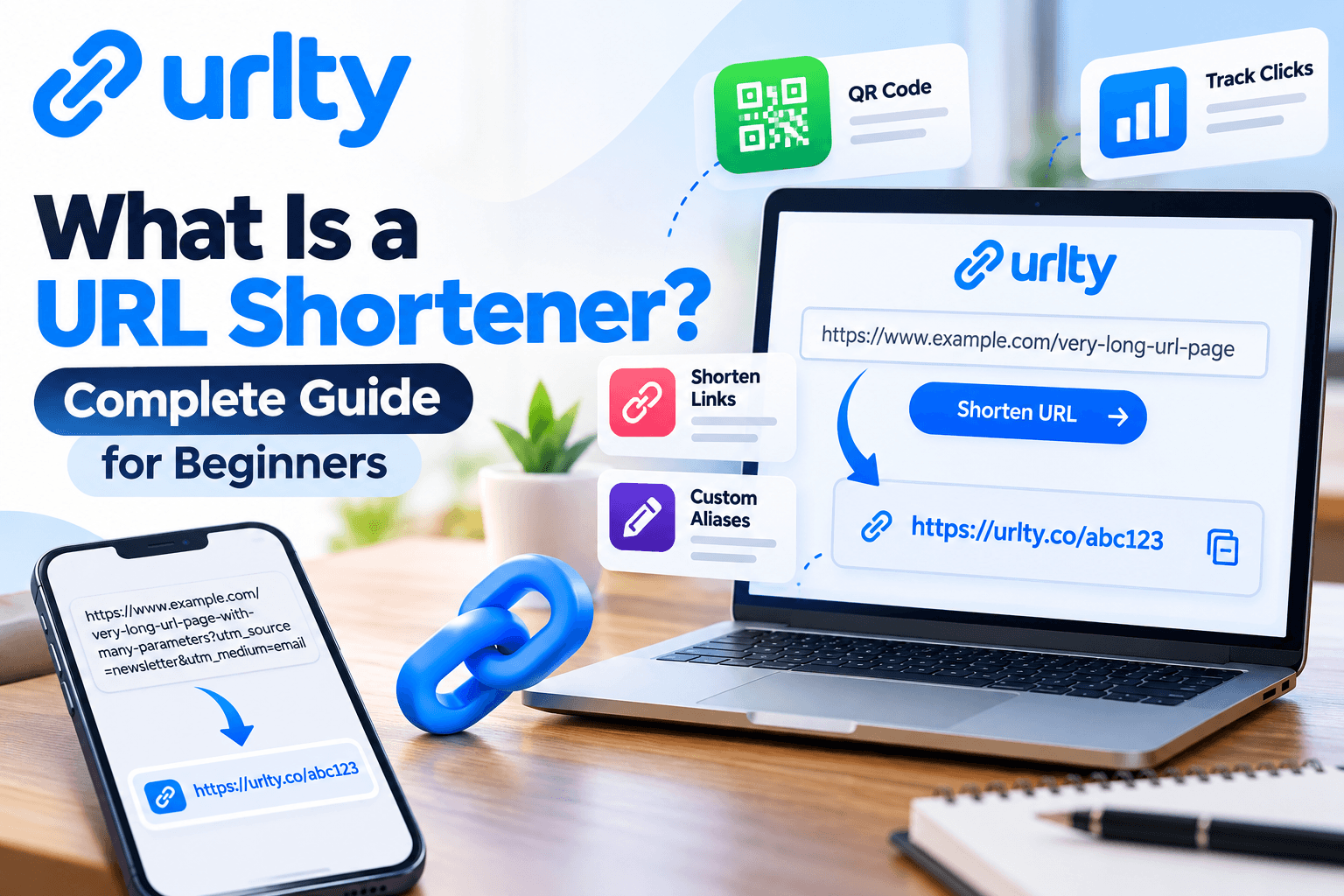
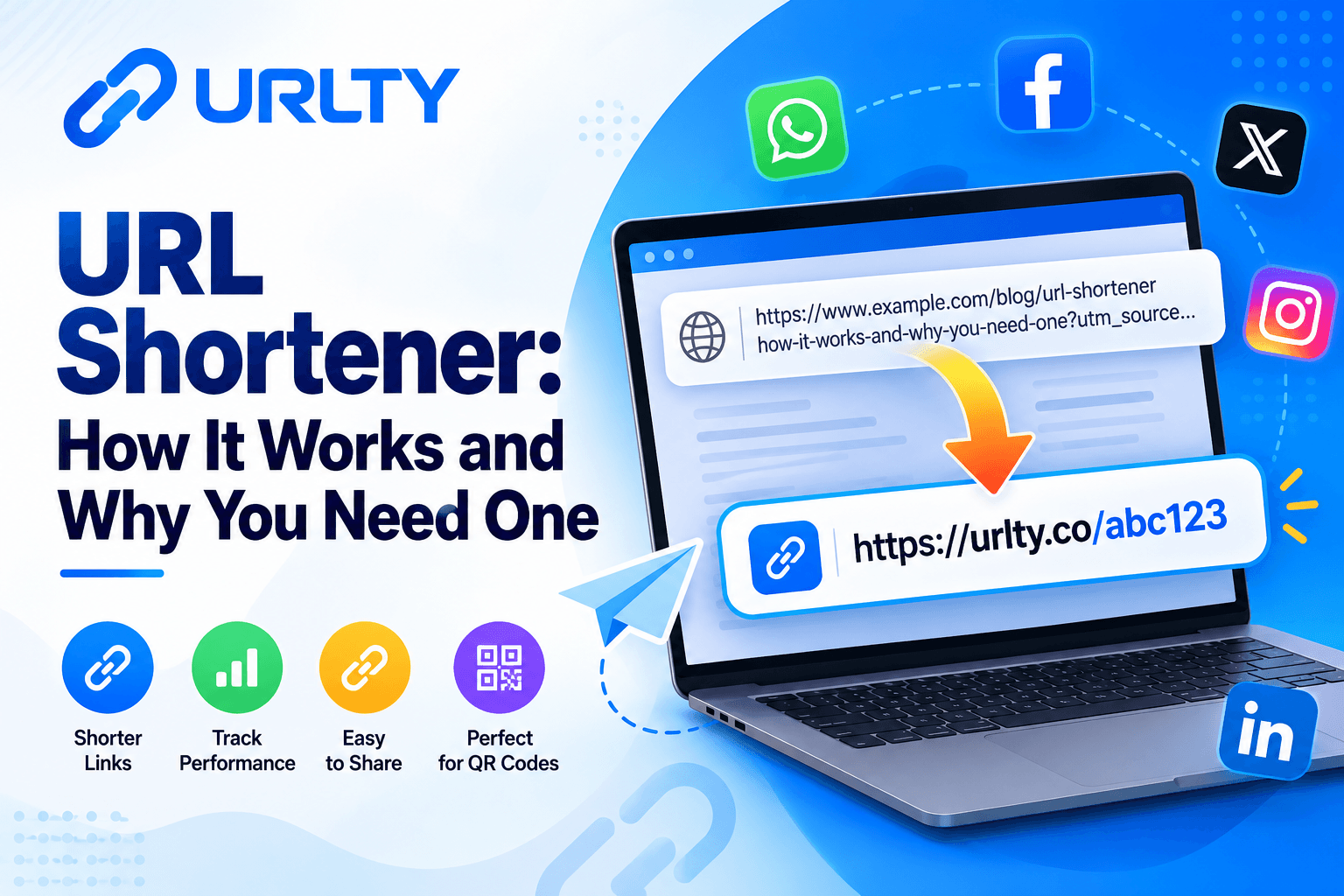
A URL shortener is a service that associates a brief web address with a longer destination address. Suppose a shop has a page at an example website with a long path describing a particular product, color, size, and campaign. Instead of displaying that complete address in a customer message, the shop creates a shorter link through a shortening service. The service stores a relationship between the short identifier and the original address. When someone clicks the short link, their browser first contacts the shortening service. The service looks up the associated destination and sends a redirect response. The browser then requests the destination page, usually without the person having to perform another action.
The user sees a convenient link in the message and, after the redirect, sees the shop's page in the browser. This is why short links are often described as redirects rather than miniature versions of full webpages. The short address has its own domain and a path or code, sometimes called a slug or alias. An automatically generated code may be a short sequence of letters and numbers. A custom alias, when a provider supports it, can use meaningful words such as a campaign name. The alias should be easy to distinguish, reasonably short, and appropriate to the page. Shortening does not compress a website, reduce the size of its images, or make a slow destination server faster. In fact, visiting the short address usually adds a redirect step, so speed depends partly on the shortener and the destination. Technically, redirects commonly use HTTP status codes such as 301 and 302, together with a Location header that identifies the next address. A permanent redirect communicates a different intention from a temporary redirect, although the details of caching and search behavior depend on implementation.
Mozilla's documentation on HTTP redirections explains these mechanisms in more depth. For ordinary business sharing, you rarely need to configure a status code manually, but you should understand that the redirect is what makes the connection work. If the shortener is unavailable, a link may fail even when the destination website remains online. Likewise, if the original page is deleted or moved, the short link cannot guarantee a successful visit. Some services offer link editing or destination updates, but this capability may depend on the account and link configuration. Analytics add another layer: when a visitor requests the short URL, the service may record a click along with limited technical context such as time, device category, approximate region, or referral source. These signals can help estimate interest, but they do not necessarily identify a person, confirm a sale, or count unique human visitors perfectly. Automated scanners, repeated visits, browser restrictions, and privacy tools can affect reported numbers. Think of a shortener as a managed signpost. It points visitors toward the right place and may tell you how often the signpost was used. The destination still needs to be trustworthy, relevant, and helpful, and the signpost itself needs ongoing maintenance. There is one more distinction worth remembering: a redirect and a tracking parameter are not the same thing. A destination URL may contain campaign tags that help the destination website analyze referrals. The shortener may record its own events separately. Those two reporting systems can disagree because they observe different stages of a visit, which is normal.
Why Individuals and Businesses Benefit From Short Links
The most visible benefit of a URL shortener is readability. A compact address takes up less space in a message, on a printed card, in a video caption, or beside a QR code. That can make a communication piece look calmer and help readers identify the action you want them to take. Readability also matters when an address must be copied from paper or entered into a browser manually. Long tracking strings are easy to mistype; a concise, thoughtfully chosen alias can reduce unnecessary effort. For a small business, this becomes useful across everyday touchpoints: receipts, packaging inserts, event signs, appointment reminders, product announcements, and customer service replies. Another benefit is consistency. Instead of giving each team member a different version of the same destination URL, you can maintain a simple list of approved links and the campaigns that use them. An organized list makes it easier to prevent outdated promotions from circulating and helps staff answer questions about where a link leads.
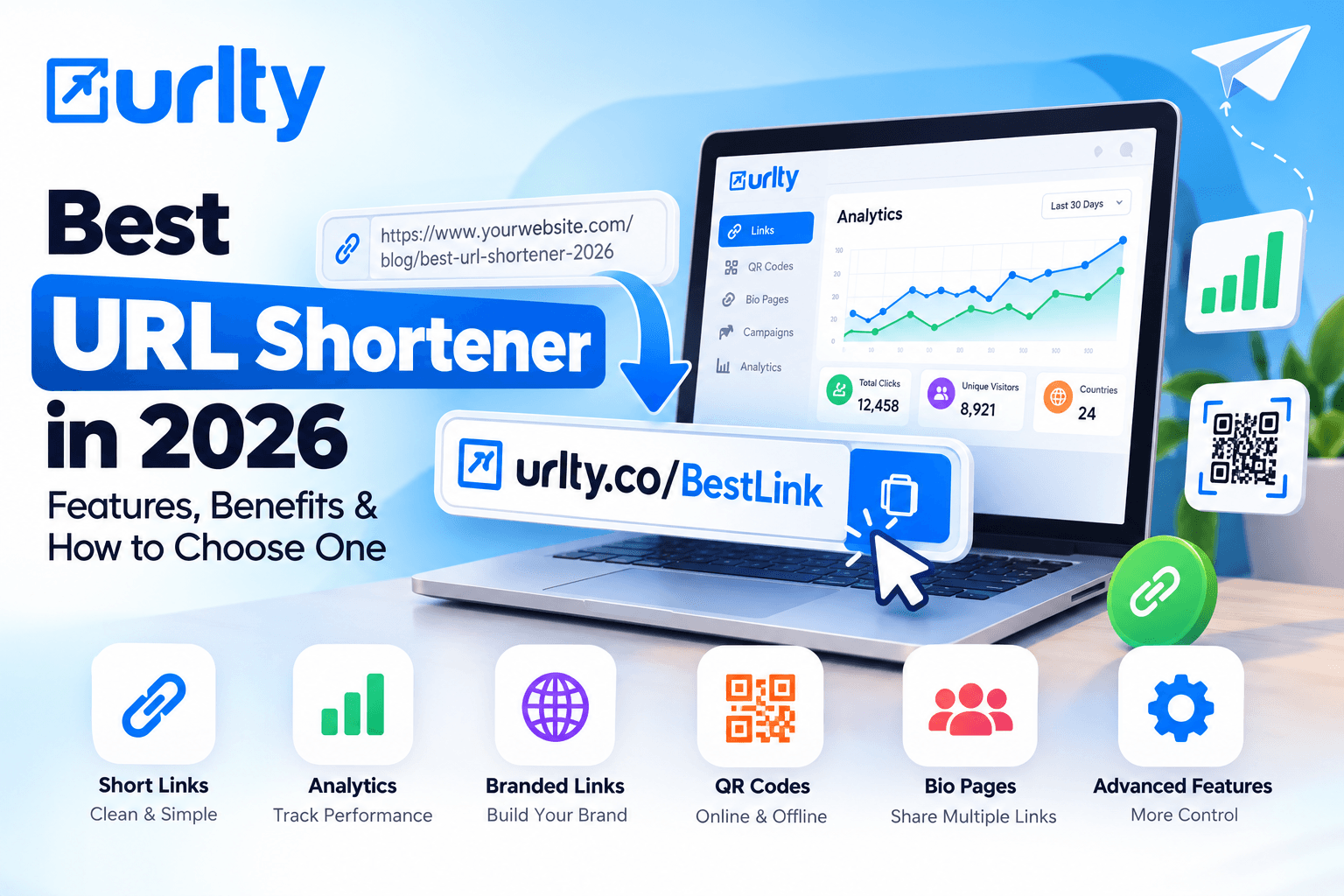
Branding can also matter. Some shortening platforms support custom domains, allowing a company to use an address associated with its own brand rather than an unfamiliar third-party domain. Branded links may give recipients more context, but a brand-like address is not proof of safety; users should still judge the sender and destination. Link performance is another practical reason to consider a URL shortener. If a platform provides reporting, you can see whether a shared address receives activity and compare different distribution channels. For example, a community organization could create separate short links for an email newsletter and a printed flyer. If the event page receives more visits through one link, that could indicate stronger engagement with that placement. However, raw click totals alone do not prove that the email or flyer caused registrations. A more complete evaluation compares link activity with results measured at the destination, such as completed forms or purchases, where appropriate consent and measurement are in place. Short links can also support testing. A store might write two clear, accurate calls to action and assign each a distinct link, then review which message generates useful visits. Good testing changes one important variable at a time and runs long enough to avoid conclusions based on a handful of clicks. QR code campaigns are a related use case. A QR code can carry a short address to a mobile-friendly destination, creating a bridge between printed materials and websites.
Before printing hundreds of copies, the business should test the scan, destination, and phone experience. Finally, links can help teams work more carefully. Recording an owner, purpose, expiry date, and destination gives a small organization a basic system for digital housekeeping. A sole proprietor sharing five links a month may only need simple shortening and a spreadsheet, while a growing team may appreciate custom aliases, organization, and analytics. Choose based on actual problems rather than impressive feature lists. Done responsibly, link shortening can improve presentation, simplify routine sharing, and provide information for better decisions. None of those benefits replaces clear writing, good customer service, useful content, or a trustworthy website. For organizations serving customers in different languages or regions, link labels should remain understandable to the intended audience. Prefer clarity over cleverness, especially when a person sees the address without the surrounding campaign artwork. Accessibility is part of good marketing, not an optional finishing touch.
Step-by-Step Guide: Create Your First Short Link With URLTY
Creating a short link starts with the destination, not the shortening tool.
Step 1: Choose the page that matters. Open the exact product, article, registration page, or resource that you want people to visit. Confirm that it is public if your audience does not have an account and that it works on a phone. Avoid using a general homepage when the message promises a specific offer, because visitors should not have to search for the item you mentioned.
Step 2: Copy and review the complete address. Make sure it uses the correct domain and secure HTTPS connection, where available. Remove unnecessary fragments or tracking parameters only if you understand their purpose; deleting required query information can break a page or change the content it displays.
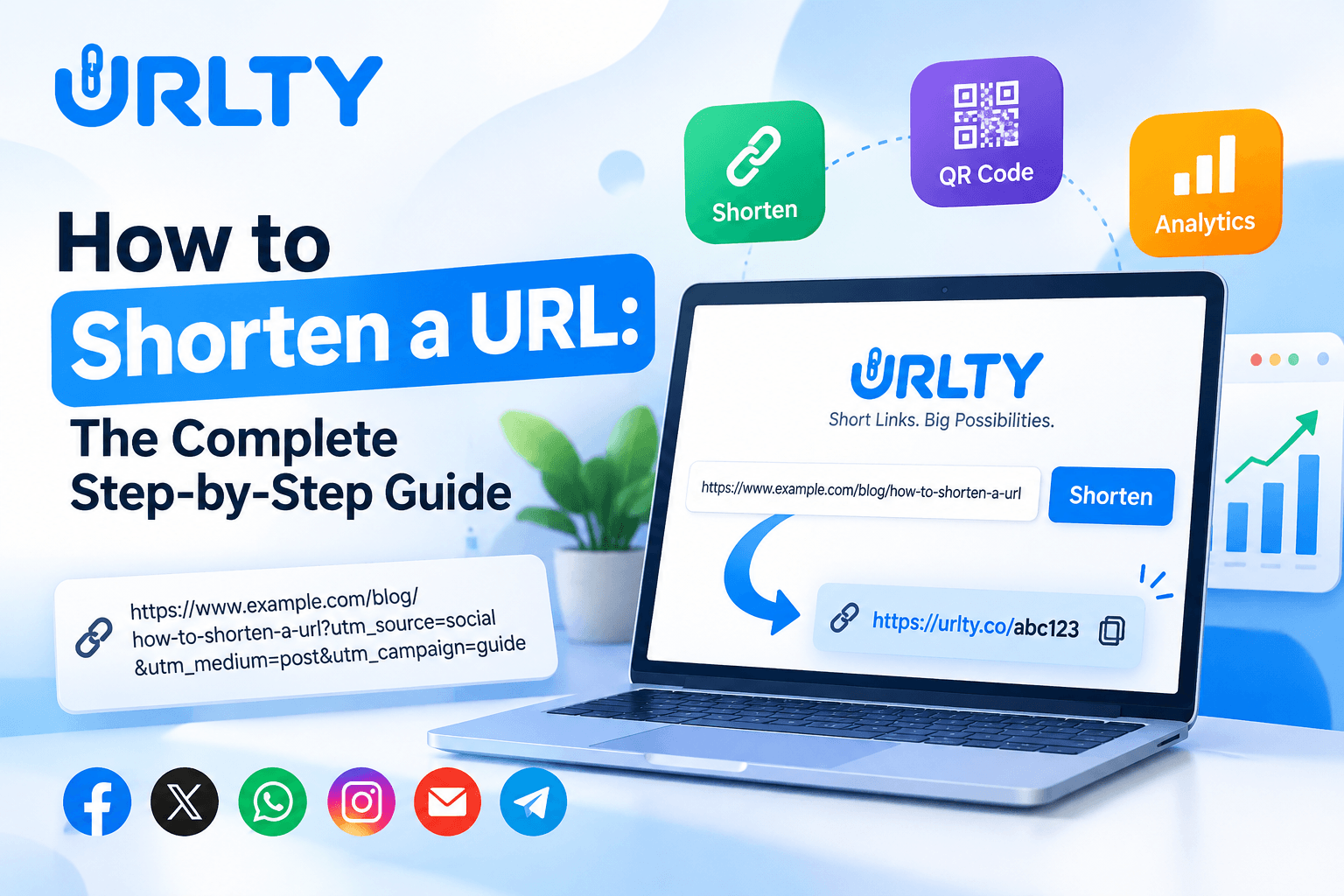
Step 3: Open a suitable shortening service. At the URLTY link shortening platform, the homepage provides a field for pasting a long URL and a Shorten action. Review the page and any applicable account requirements before proceeding.
Step 4: Paste your URL and generate a short link. Check the generated result carefully rather than assuming that every pasted address is valid. If you have access to customization options, consider a short, descriptive alias. A simple campaign label is generally clearer than random jargon, excessive punctuation, or an urgent phrase that does not match the destination.
Step 5: Test the result. Open the new link in another browser tab and check where it lands. Test on a mobile device if possible, especially when the link will appear in SMS, printed QR codes, or social apps. Confirm that the page loads, the offer is current, and important buttons work.
Step 6: Label and record it. Save the short link, original destination, campaign purpose, creation date, and person responsible in a spreadsheet or team document. If the platform includes management tools, use meaningful labels there as well. A record protects you from confusion when several similar promotions run at once.
Step 7: Share it with context. A useful message says what readers will find after clicking: for example, “View our updated opening hours” followed by the short link. This is more transparent than an unexplained address or exaggerated claim.
Step 8: Review activity and maintain the link. If analytics are available to your account, check them after a reasonable period and compare the results with your objective. If the destination changes, update the short link only where editing is supported otherwise create a replacement and notify affected audiences.
If the link has an expiration setting, consider the consequences before enabling it. A code printed on permanent packaging should not unexpectedly stop working. For your first test, choose a noncritical page rather than an urgent payment, medical, or security notice. That way, you can learn how the tool behaves without creating avoidable disruption. Repeat this process for a second channel only when you have a reason to compare performance. Link shortening is most effective when it becomes a careful, repeatable workflow: verify the destination, generate the address, test the redirect, explain its purpose, and check whether it continues to serve visitors correctly. One final habit makes the process more dependable: revisit published links after a campaign has started. Sometimes a destination looks correct on launch day but changes when products sell out, forms close, or website pages are reorganized. A brief follow-up check helps catch those changes before readers encounter confusing errors.
Practical Use Cases, Campaign Organization, and Analytics
The best way to understand a URL shortener is to connect it to a real task.
Social media: A small clothing shop can share a concise address to a new collection beneath an accurate description and a clear product image. It may create different links for different posts when comparing placement performance matters. That does not mean every post needs a new link; unnecessary variations can make reporting harder.
Email marketing: A neighborhood business can include a short link to event details in a newsletter. The message should identify the destination and give recipients a reason to care. Since email providers and security systems sometimes inspect links automatically, clicks shown in a shortener dashboard may not match real human interest exactly.
Customer support: A service team can maintain approved short links to setup instructions, return policies, appointment booking, and frequently asked questions. Staff should check that destinations stay current and avoid linking customers to sensitive account actions without appropriate security context.
Printed marketing: A café can put an easy-to-read address beneath a QR code on a menu. People who cannot or do not want to scan still have a manual option, and testing both paths improves accessibility.
Education and community groups: An organizer can create separate links for an event schedule, registration form, and accessibility information. Clear labels help participants reach the correct page, rather than guessing from a bare string of characters.
Portfolio sharing: A designer can send a short address to selected work while keeping the destination content organized and easy to navigate.
Bio pages: Creators with several important destinations may prefer one bio page containing multiple clearly named links, while using individual short links for focused campaigns. For teams, the practical challenge becomes governance rather than the act of shortening. Give links consistent names, such as campaign, channel, audience, and month. Maintain a central reference that includes the intended destination, any expiration rule, and the colleague responsible for changes.
URLTY provides link management help resources covering questions such as aliases, editing, expiration, custom domains, and click tracking. Review these resources before relying on a setting in a public campaign, because access and behavior can vary by feature or plan. Analytics should answer a question, not simply fill a dashboard. Before publishing, decide what success means. For an event announcement, that might be completed registrations; for a help article, it might be fewer repeated support questions; for a flyer, it might be visits to a specific information page. Then examine available click trends alongside the destination's own data. Device or regional summaries can suggest whether a mobile-friendly design or localized explanation would help, but avoid making individual-level assumptions from approximate data.
Distinguish visits, clicks, conversions, and revenue rather than treating them as identical. A link may be opened several times by one person, and a click might come from a scanner rather than a customer. When testing campaigns, compare comparable periods and avoid changing both the message and audience simultaneously. Keep records of major changes so an unexpected spike has context. A disciplined link strategy is not about collecting the largest possible number of metrics. It is about making useful information easier to find, learning what communication works, and correcting broken or confusing paths quickly. Weekly or monthly reviews may be sufficient for ordinary campaigns, while short events might need closer attention.
Common Mistakes to Avoid
Beginners can create a short link in seconds, but maintaining trustworthy links requires a little more attention.
Mistake 1: Sharing without testing. A copied address may contain an error, point to a restricted page, or open an outdated promotion. Always follow your new short link yourself before publishing it.
Mistake 2: Using vague or misleading wording. People deserve to know where a link is meant to take them. Do not describe a promotional page as a support update or imply that an offer is guaranteed when it is not.
Mistake 3: Shortening every address unnecessarily. A familiar, readable official URL may already be ideal, particularly for account access and other sensitive interactions. Use short links when they offer a genuine benefit, not simply because a tool is available.
Mistake 4: Forgetting that the destination can change. A valid redirect may eventually lead to a deleted product, an expired form, or an incorrect page. Review important links periodically and assign someone to maintain them.
Mistake 5: Confusing clicks with customers. Repeated visits, preview tools, and automated link scanners can affect analytics. Treat reports as signals, then check completed actions on the destination before evaluating a campaign.
Mistake 6: Ignoring privacy and platform rules. Link tracking can involve technical information about visitors. Read the provider's disclosures, explain your own measurement practices when needed, and follow relevant privacy requirements. URLTY publishes a privacy policy for its link services that users can review before deciding what information and controls are appropriate.
Mistake 7: Creating aliases that are too clever. A hard-to-spell or ambiguous code may look stylish but frustrate someone typing it from a card. Choose plain language and avoid terms that impersonate another organization.
Mistake 8: Neglecting link ownership. When a single employee controls every link through a personal account, the team may struggle to maintain campaigns after that employee leaves. Use sensible account access and shared documentation without sharing passwords.
Mistake 9: Assuming a short link is automatically safe. Shortening is not a security inspection. Check the real destination and avoid sending people to unfamiliar pages merely because their addresses look neat.
Mistake 10: Printing links before testing the final design. A tiny URL or crowded QR code can be difficult to use, even when it works on your computer. Test realistic print sizes, lighting, and smartphone cameras.
Frequently Asked Questions and Final Call to Action
What is a URL shortener in simple terms?
It is an online service that converts a lengthy website address into a compact link. When somebody opens the compact version, the service redirects their browser to the original destination.
Does shortening a link change the website?
No. The destination remains the website or page that you selected, although its content can later change independently.
Are short links free?
Some providers offer basic shortening without payment, while advanced management, branding, or reporting tools may have conditions or subscription costs. Check the current terms before assuming a particular feature is included.
Can a short link expire?
Some services support expiration dates or limits, and a short link may also stop functioning when the service or destination is unavailable. Confirm the settings and avoid unplanned expiry for long-lasting printed materials.
Can I customize the ending?
Many services offer custom aliases, subject to availability and account settings. Choose something short, descriptive, and unlikely to mislead visitors.
Do shortened URLs help SEO?
They are not an automatic search-ranking improvement. Search behavior depends on redirect implementation, crawling, canonical content, site quality, and many other factors. For normal marketing, prioritize a stable destination, clear labels, and useful content instead of treating shortening as an SEO trick.
Can I see who clicked my link?
Analytics may show totals and general technical information, but such reports usually cannot establish the real-world identity of every visitor. Never assume a click report identifies a person or proves a purchase.
Are short links safe?
A shortened address is not inherently safe or unsafe. Its risk depends on the provider, destination, sender, and context. Businesses should avoid deceptive links, and recipients should verify unexpected requests through official channels.
What is the difference between a short URL and a QR code?
A short URL is a web address; a QR code is a scannable visual pattern that can encode an address or other information. They can work together on printed materials, with the readable URL serving as an alternative.
Should I create a different link for every platform?
Only when separate measurement or management is useful. A single well-maintained link may be enough for a simple announcement; larger campaigns can benefit from carefully labeled variants.
Can I change the destination after sharing?
Some platforms and configurations permit editing, but not all links can be modified. Verify the service's options before distributing a link that must remain usable for years.
What should I do if my link stops working?
Check the original page, test the short address, review account settings or expiration, and contact the provider's support resources if needed. Update your published materials when possible.
Do I need technical skills?
Basic shortening usually involves copying, pasting, and testing a URL. More advanced integrations can require additional learning, but beginners can start with one simple link and a small record of its purpose.
Ready to try it?
Choose one useful public page today, create a short address, verify where it leads, and share it with an honest explanation. Keep a note of the destination and check back after people have had a chance to use it. If the experience improves your communications, expand gradually into organized campaigns, QR codes, or reporting features that solve real problems for your audience. A URL shortener should make digital communication clearer, not more complicated.